B-roll for your video essay, found shot by shot.
Upload your script or subtitles. Auto Footage plans a B-roll shot for each passage, finds matching stock clips, and lets you pick the ones you want.
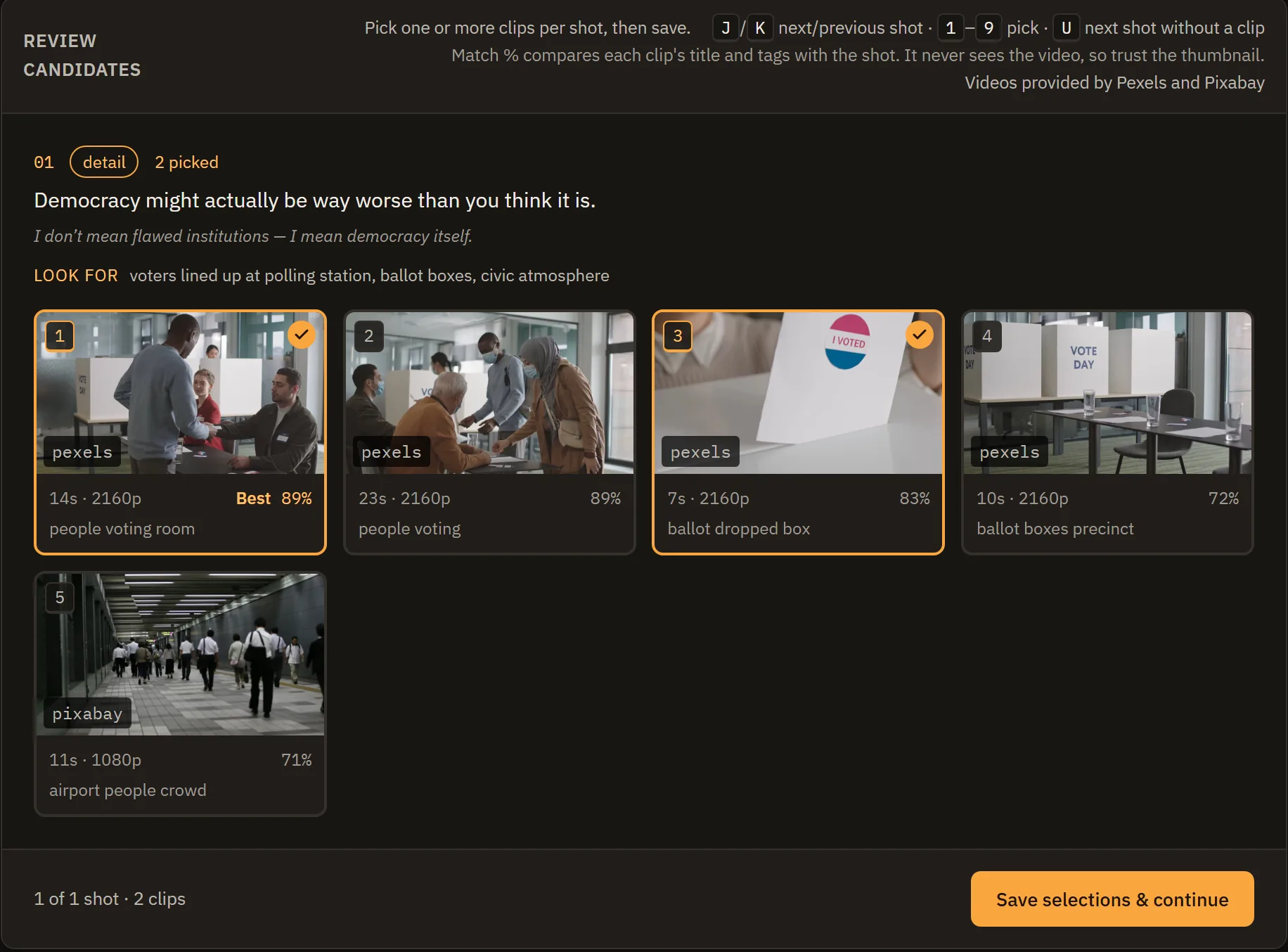
How it works
-
Upload your script
Subtitles (.srt) or a plain script as PDF, DOCX or TXT.
-
Get a shot list
AI reads the script and describes a visual for each passage, with search terms for it.
-
Pick your clips
Each shot comes with matching clips from Pexels and Pixabay. You choose. Nothing is picked for you.
-
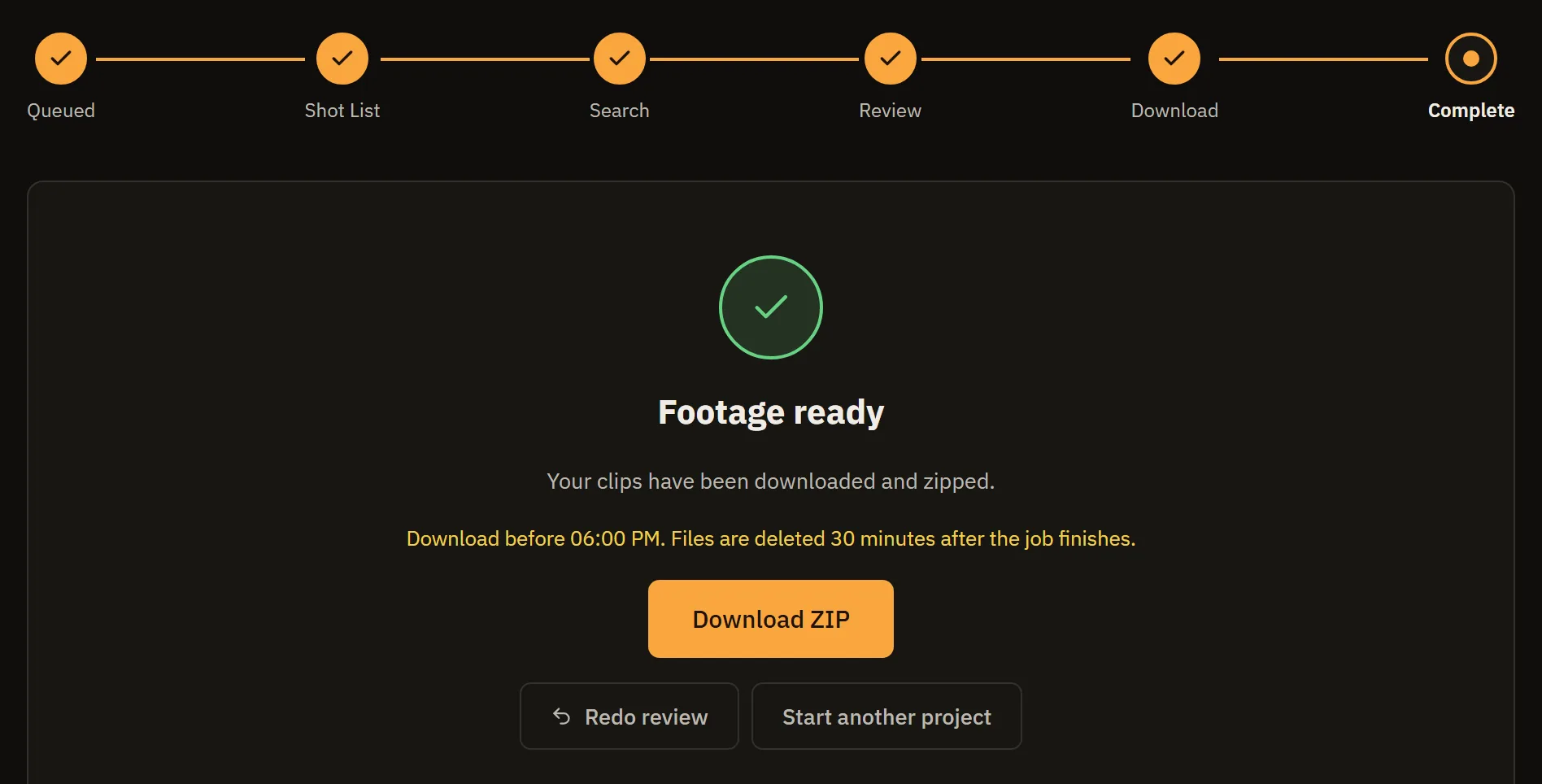
Download
Your picks come as one ZIP of MP4 files, grouped by section and ready for your editor.
Request access
Auto Footage is in private beta. A few editors are being added at a time.